
GrowthLoop MCP Setup
You can connect MCP-compatible clients to GrowthLoop using your GrowthLoop API credentials.
You can connect MCP-compatible clients to GrowthLoop using your GrowthLoop API credentials.
Before You Start
You need:
- A GrowthLoop API key.
- Access to an MCP-compatible client, such as Claude Desktop.
- Your GrowthLoop MCP server URL.
Your GrowthLoop team can provide the correct MCP server URL for your environment.
Authentication
GrowthLoop MCP uses the same API key authentication as the GrowthLoop API.
Use an authorization header in this format:
Authorization: Bearer token=<secret_key>, access_key=<access_key>Do not share API keys in prompts or chat messages. Store them in your MCP client configuration or secret manager.
Example Claude Desktop Configuration
The exact configuration depends on your environment and MCP client. A typical Claude Desktop setup using mcp-remote looks like this:
{
  "mcpServers": {
    "growthloop": {
      "command": "npx",
      "args": [
        "-y",
        "mcp-remote",
        "https://YOUR_GROWTHLOOP_HOST/api/public/mcp",
				"--transport",
        "http-only",
        "--header",
        "Authorization:${GROWTHLOOP_AUTH_HEADER}"
      ],
      "env": {
        "GROWTHLOOP_AUTH_HEADER": "Bearer token=<secret_key>, access_key=<access_key>"
      }
    }
  }
}
After saving your configuration, restart your MCP client and ask it to list available GrowthLoop tools.
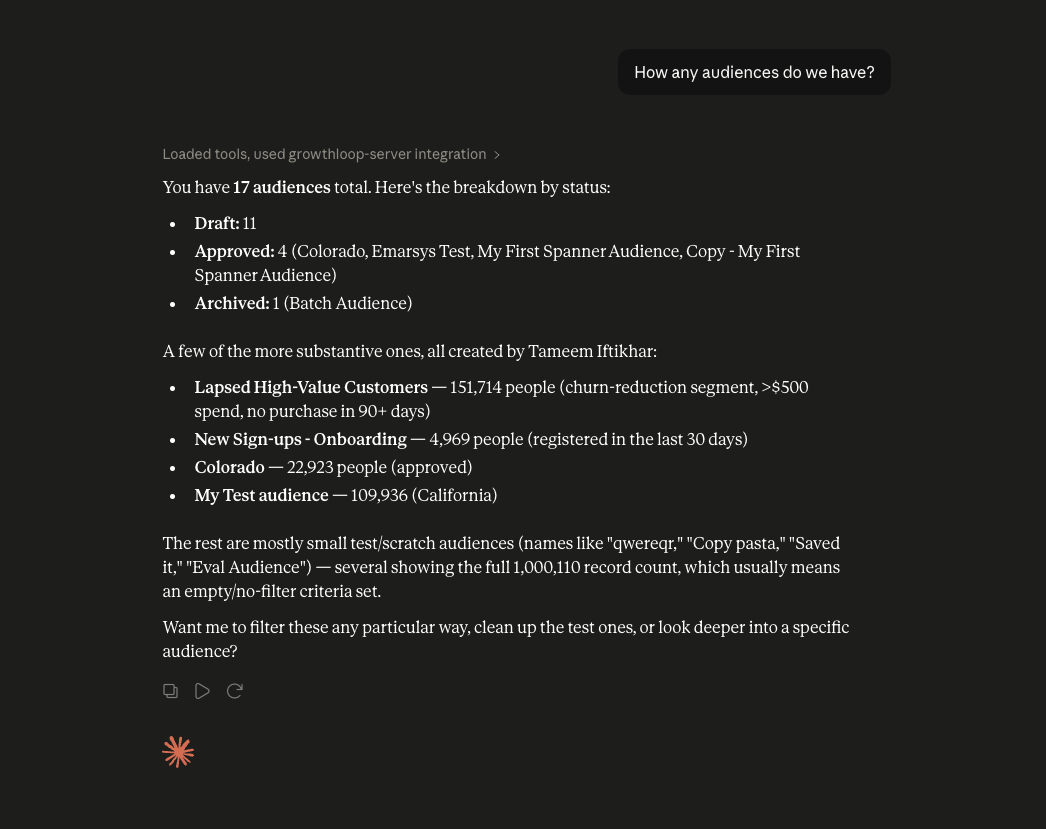
ChatGPT
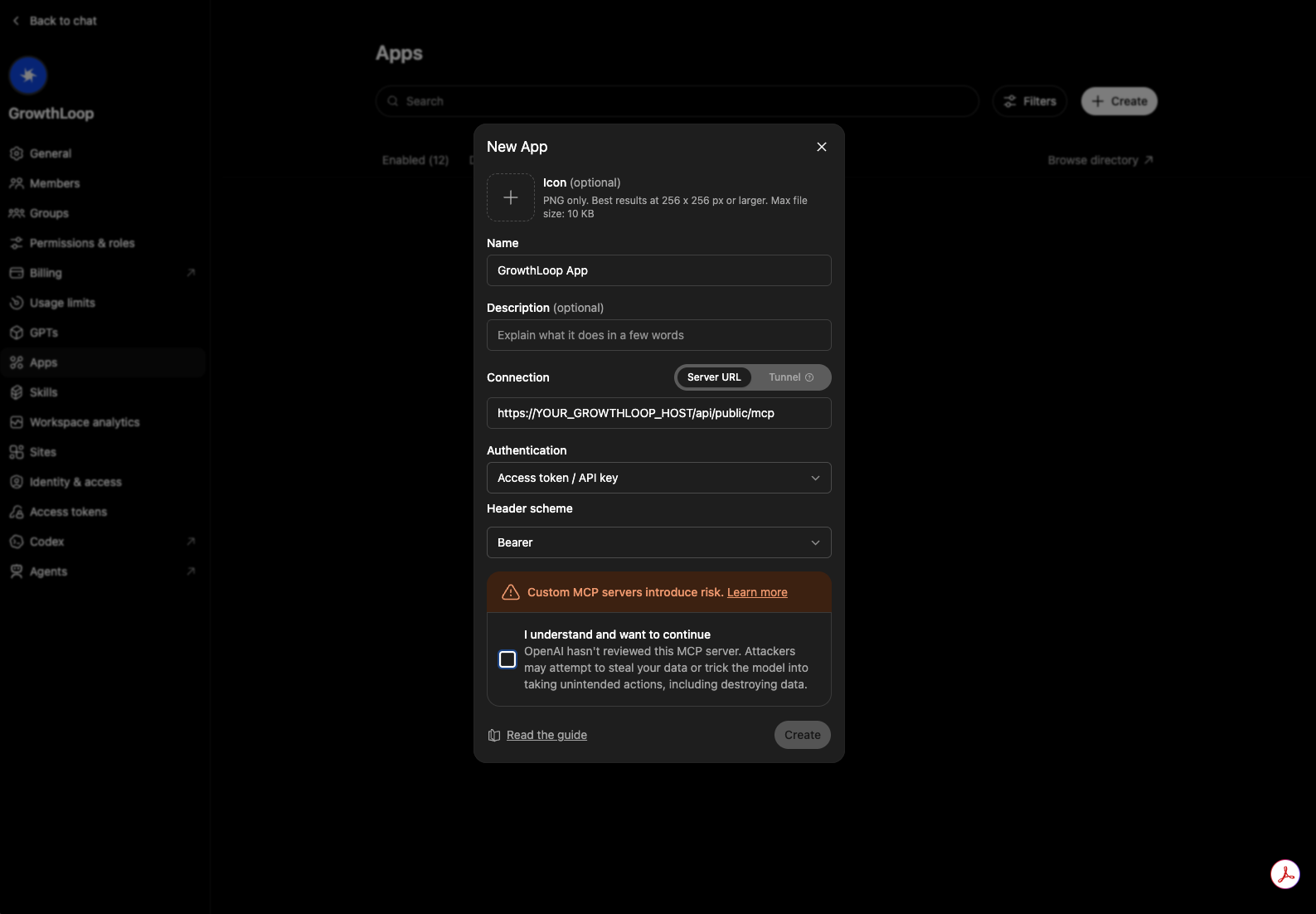
If your ChatGPT plan or workspace supports custom MCP connectors, connect GrowthLoop as a remote MCP server.
Use:
https://YOUR_GROWTHLOOP_HOST/api/public/mcpFor authentication, provide the same GrowthLoop Public API authorization header:
Authorization: Bearer token=<secret_key>, access_key=<access_key>The exact setup flow can vary by ChatGPT workspace. In general:
- Open ChatGPT settings or workspace connector settings.
- Add a custom connector or MCP server.
- Enter the GrowthLoop MCP server URL.
- Add the GrowthLoop authorization header.
- Save the connector and ask ChatGPT to list available GrowthLoop tools.
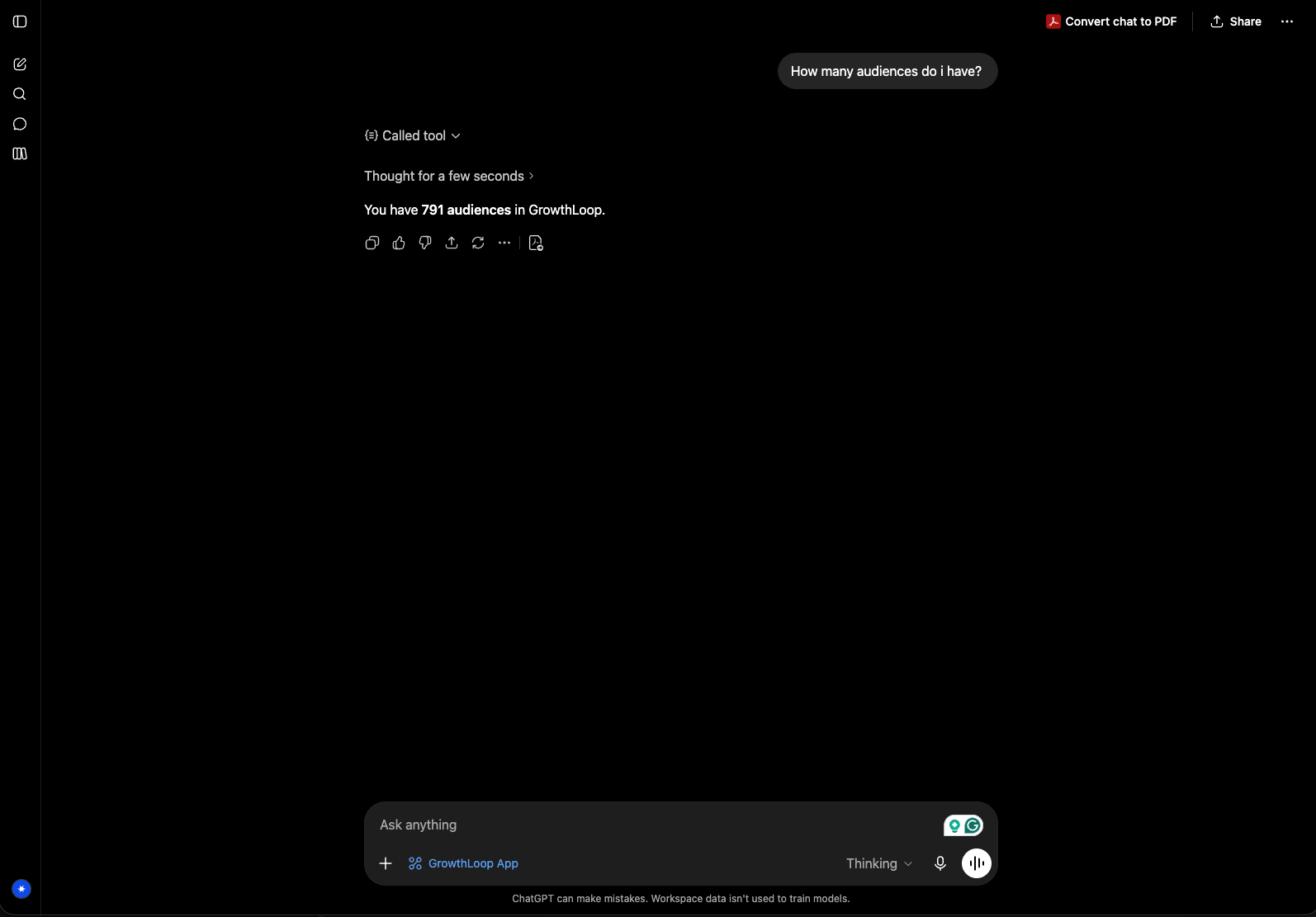
If you do not see an option to add a custom MCP connector, contact your ChatGPT workspace administrator or GrowthLoop support.
Updated 3 months ago