
Syncing Warehouse Fields
Sync customer profile attributes from your warehouse to the Personalization API for real-time filtering and personalization.
Real-time journeys process events in seconds. Querying your warehouse for each individual user is too slow for that path. Instead, sync a subset of customer fields from your warehouse to the Personalization API ahead of time. When an event arrives, GrowthLoop fetches the user's cached profile and uses those fields immediately.
This is what makes it possible to combine live event data with warehouse-backed attributes in the same journey — for example, filtering on opted_in from your customers table while reacting to a purchase event in real time.
Why sync warehouse fields?
Keep your warehouse as the source of truth
Data from your warehouse is often more trustworthy than data from a real-time event - When a field is present in both the realtime message payload, and a synced warehouse field, GrowthLoop will prioritize the synced warehouse field.
Augment your real-time events with rich 1st-party data
A real-time message often lacks important information about a customer that is present in your warehouse. When you sync fields from your warehouse to the personalization API, that data can be inserted into templates when sending real-time messages.
By default, GrowthLoop excludes fields tagged as PII Fields from being transmitted through the Personalization API. Admins can override this setting in Org Settings if your organization needs to include PII Fields in API responses.
Example: Sync customers.loyalty_tier, customers.favorite_category, and customers.opted_in. In a real-time journey triggered by a purchase event, use a criteria node to route only opted-in customers, then send a composable email personalized with their loyalty tier and favorite category.
Prerequisites
- A Personalization API destination configured in GrowthLoop.
- A real-time event registered and mapped to your dataset group's primary key.
- A dataset group that includes your primary customers table.
For general Personalization API setup (destination creation, API keys), see Personalization Getting Started.
Create a sync
- Create a Sync from your warehouse source to the Personalization API destination.
- Select your primary customers table (or the entity table that matches your dataset group primary key).
- Choose the fields to sync — only include attributes you need for real-time filtering or personalization. A smaller field set keeps profiles lean. Fields tagged as PII Fields are excluded from API transmission by default.
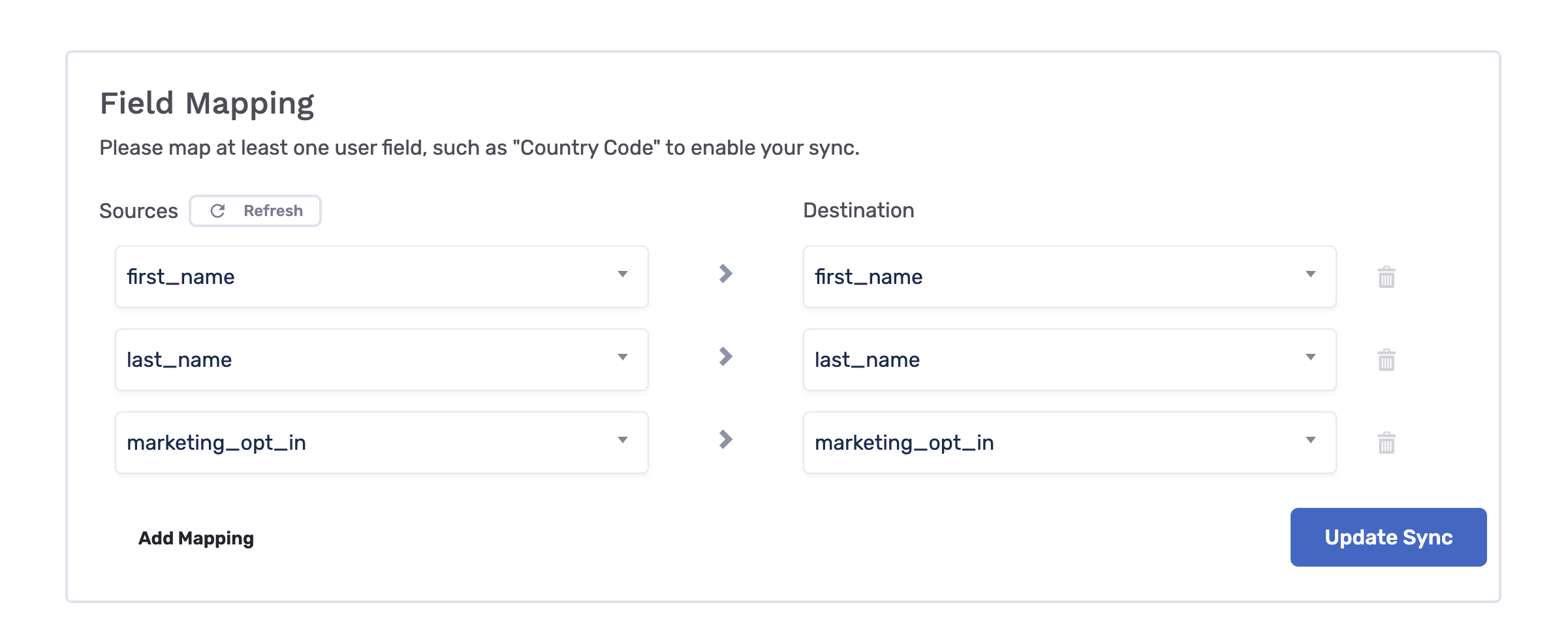
- Run or schedule the sync so profiles are kept up to date.
Note
Synced fields reflect the last successful sync run. For attributes that must be current within the same session, you can also write values from the journey itself via the Personalization API destination or same-session personalization.
Using synced fields in journeys
Once fields are synced, they appear in the journey builder when you configure:
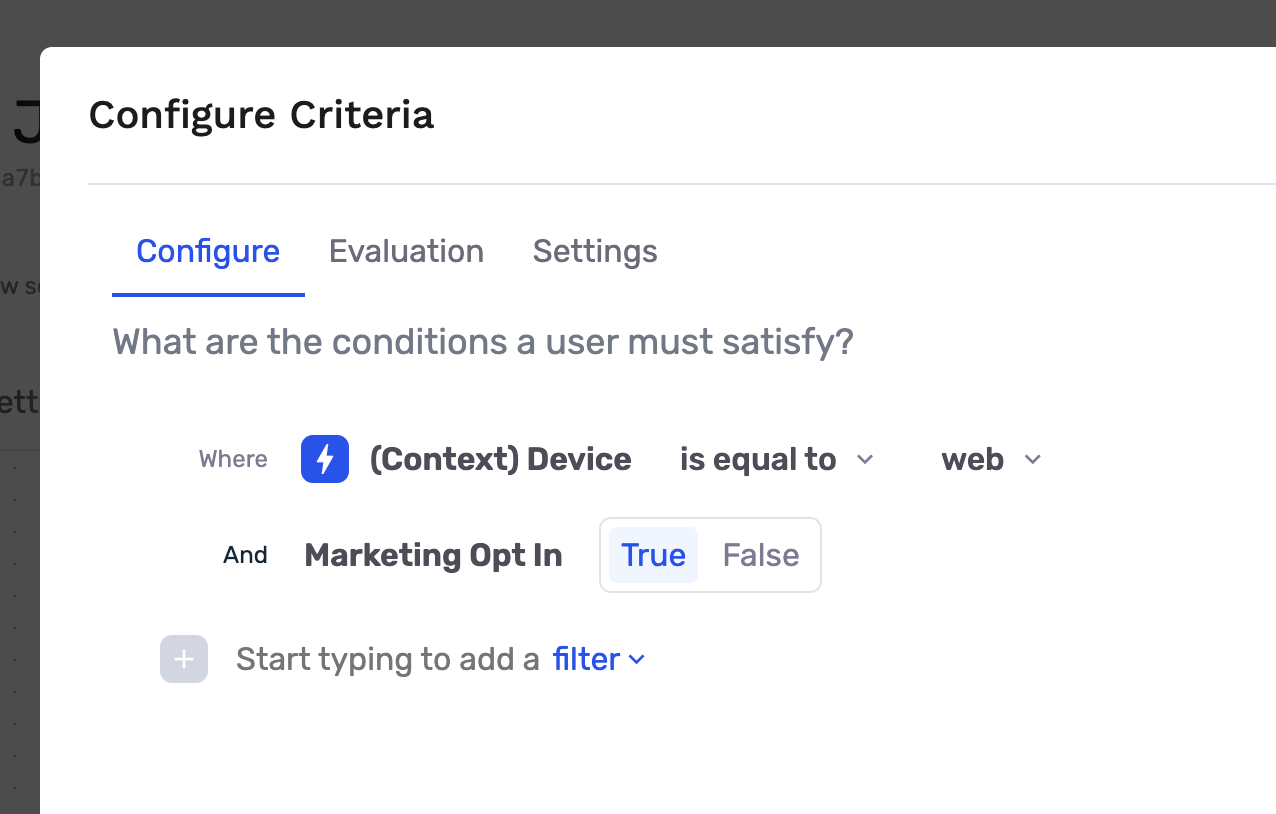
- Criteria nodes — Filter users on synced attributes (e.g.,
opted_in == true) alongside event payload fields. - Composable destination nodes — Map synced fields to email template variables and recipient configuration.
When a criteria or destination node references synced warehouse fields, GrowthLoop fetches the user's profile from the Personalization API as part of real-time routing — before evaluating the filter or sending the message.
Next steps
- Create a real-time journey
- Criteria node — Event fields and synced profile fields
- Destination node — Instant sends with event and profile data
Updated about 2 months ago