
Delay Node
Wait a specified interval in real time before continuing the journey path.
Delay nodes add a time buffer between steps. In real-time journeys, delay nodes wait in real time and then automatically advance the message to the next node — without requiring a scheduled batch run.
Configure a delay node
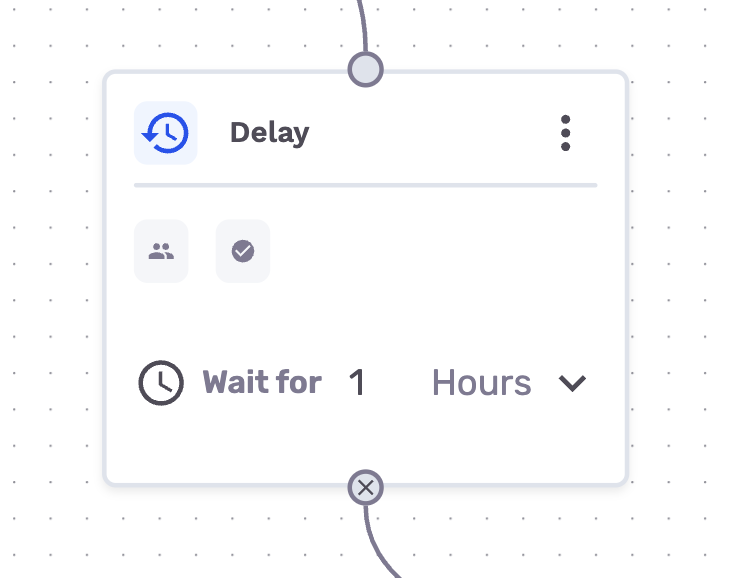
You can configure a delay amount, and messages will be held in the node until the time expires
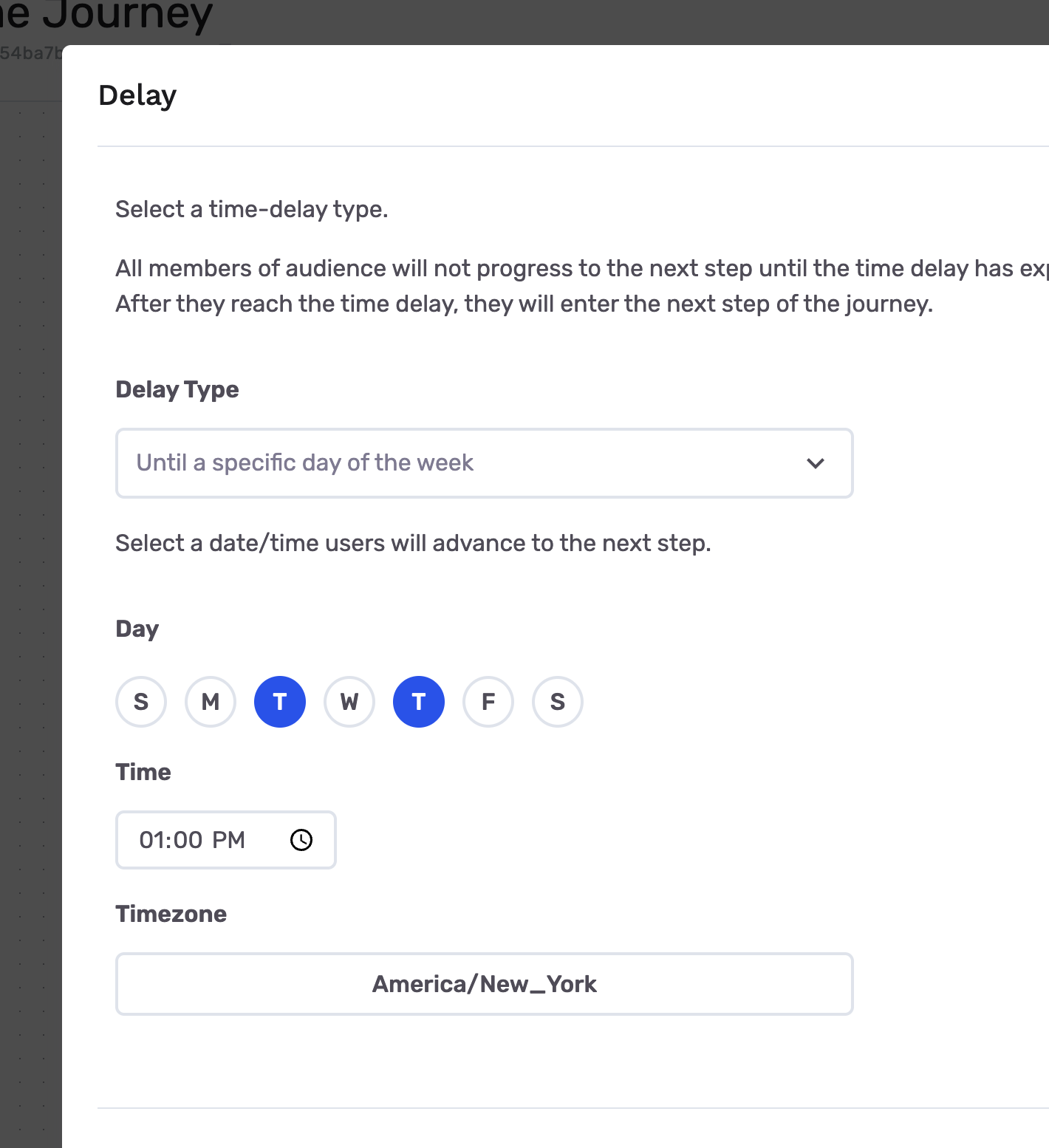
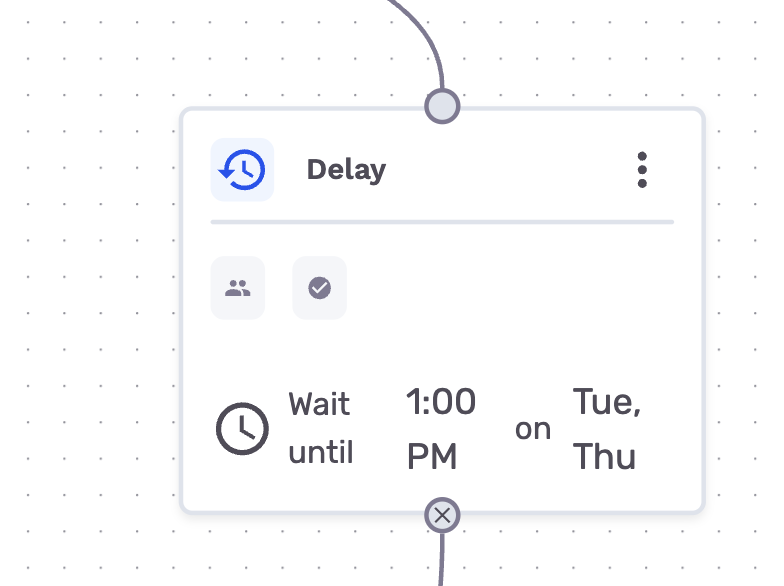
Alternatively, you can set a schedule in the node settings. Messages will be held in the node until the next specified interval occurred
When a message reaches the delay, GrowthLoop schedules their resume after the configured interval and continues routing automatically.
Relationship with Pausing
When a journey is paused, messages will stay in the delay node until the journey is resumed.
- If the node is a time-based delay node, the expiration will be counted against when the messages entered the node - the fact that the journey may have been paused in the meantime is not taken into consideration. Upon resuming the journey, all messages that are past the expiration will continue through the journey immediately
- If the node is a recurring schedule delay node, messages will continue when the next interval occurs. If the journey was paused when an interval happened, all messages that entered the node before the interval will continue through the journey immediately
Common uses
- Wait a few minutes after an event before sending a follow-up email
- Add a short buffer between a trigger call and a destination send
- Space out steps in a multi-touch real-time flow
Related guides
Updated 4 months ago