
OneSignal
Trigger OneSignal push notifications directly from GrowthLoop journeys
If you use OneSignal to manage your mobile push messaging, you can now trigger those push templates directly from GrowthLoop journeys without switching tools.
Here's how to access that:
-
Head over to GrowthLoop and create a journey.
-
Drag a Destination node into the journey and choose your OneSignal destination.
-
In the destination node configuration, select Send Push.
-
Configure the push notification:
- Subscription ID -- choose the field that contains the recipient's OneSignal subscription ID.
- Push Template -- choose the OneSignal template you want to trigger.
- Template Variables -- map your GrowthLoop dataset or realtime event fields to the variables required by the template.
- Send Test Push -- send a test notification to verify the configuration before publishing. You'll need a valid test OneSignal Subscription ID for the device that should receive the message.
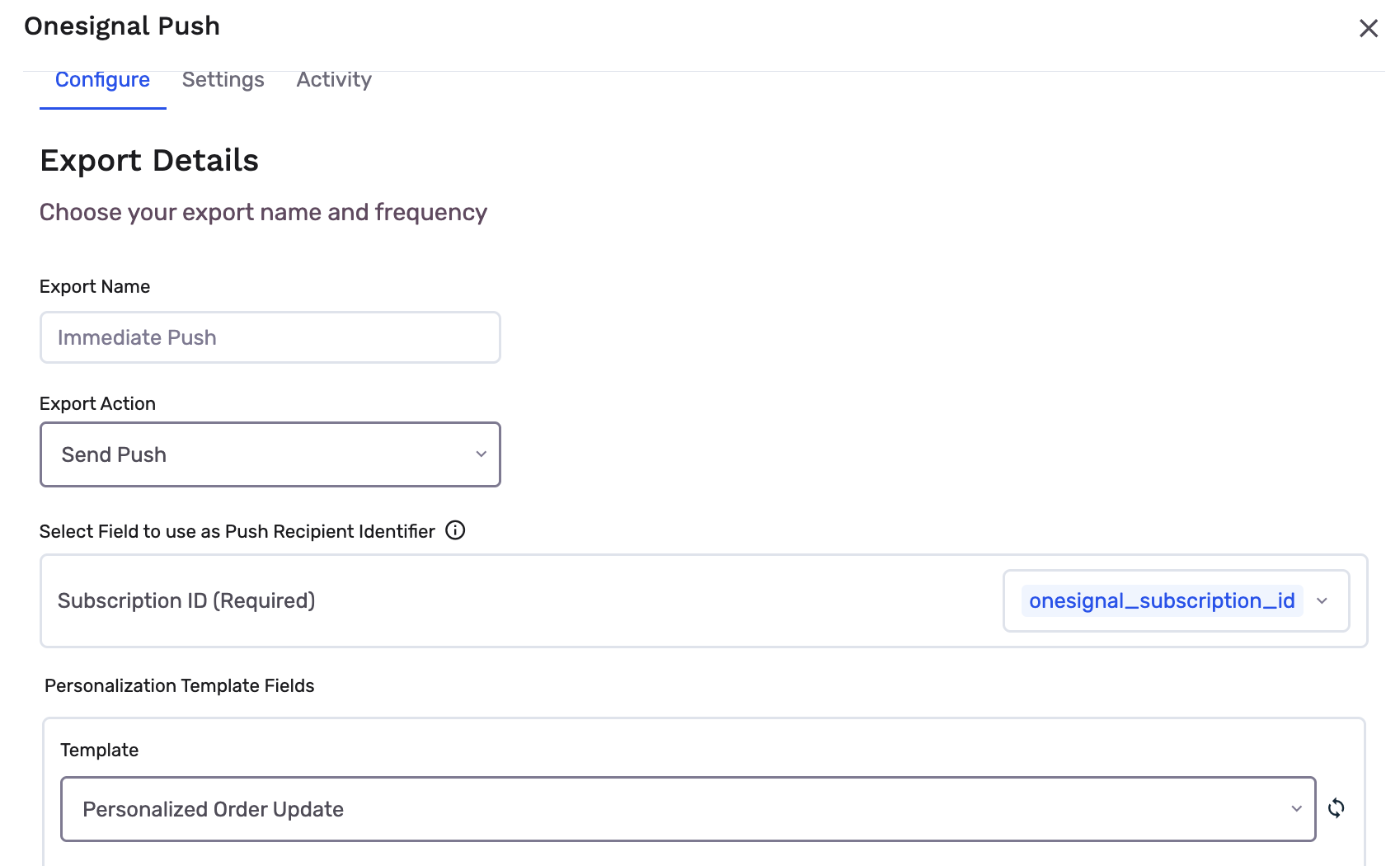
This is what a configured OneSignal destination can look like in a live journey:
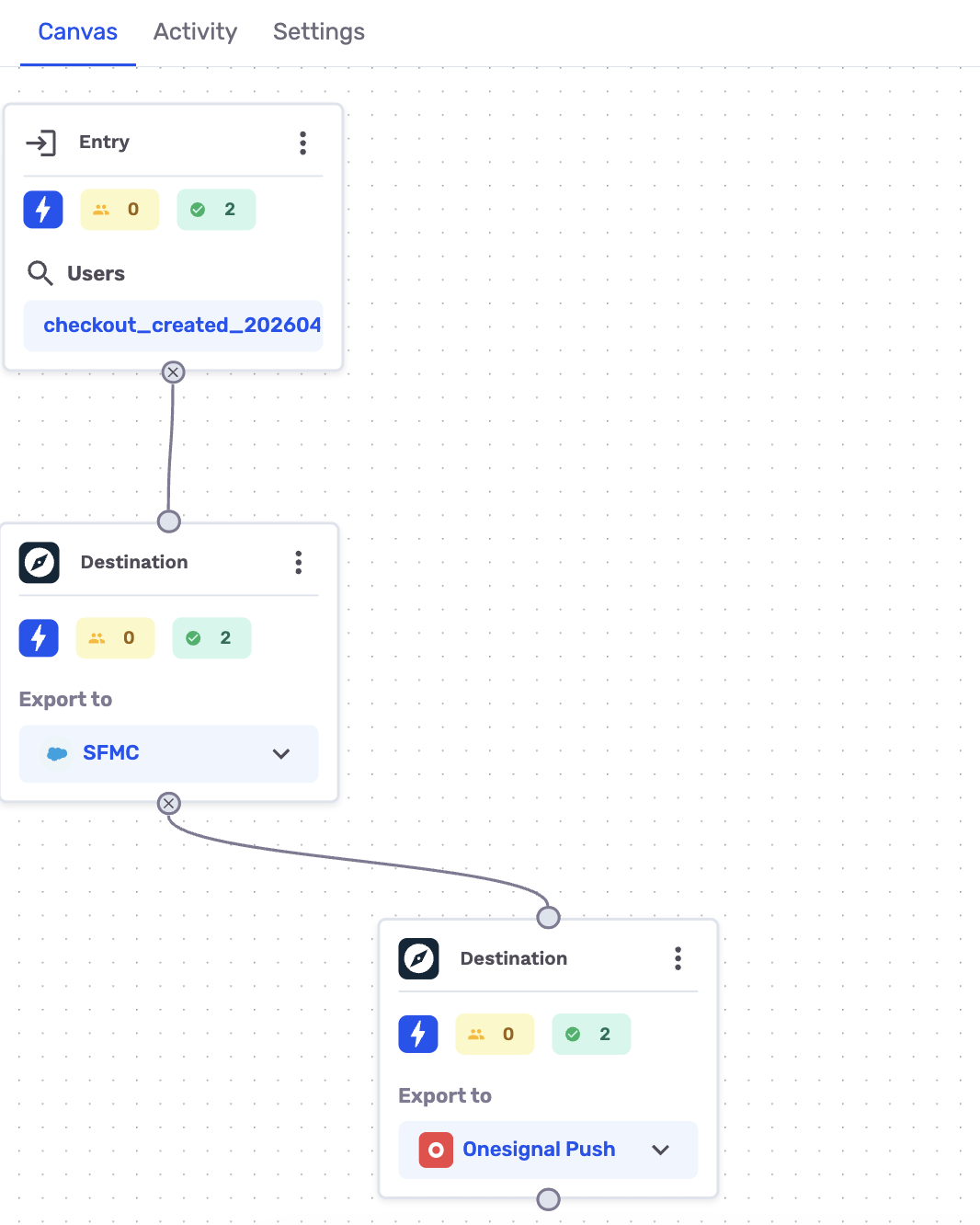
Once the journey is published, every user who reaches that destination node will receive the selected OneSignal push notification, using the mapped subscription ID and personalization fields.
Updated 5 months ago